 Branded Pix
Your photos. Your brand. Every time.
Branded Pix is a mobile app for iPhone and Android that puts your logo, your name, or your own message on every photo you take, in seconds.
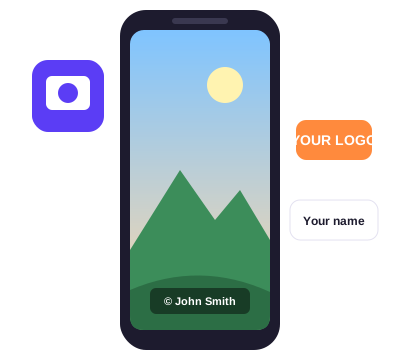
Why we built it
Photos travel fast. A picture you take at a job site, an open house, or a family trip can be shared, reposted, and copied within minutes, and the person who took it often gets no credit.
Branded Pix was started to fix that. We wanted a simple way to put "Image property of John Smith" or a company logo on a photo right at the moment it is taken, without opening a desktop editor or learning design software.
What it does
Take a photo with your phone, or pick one from your camera roll. Choose your brand, place it, and save. That is the whole workflow.
Your original photo is never overwritten. Branded Pix saves a new copy, so you always keep the clean version.
What you can add to a photo
Company logos
Upload a PNG or SVG logo once and reuse it. Adjust size, position, and opacity so it looks right on every shot.
Names and text
Add a credit line such as "Image property of John Smith", a copyright notice, a website, or any short message, in the font and color you choose.
Other images
Stamp a badge, a signature, a QR code, or a sticker. Save combinations as presets and apply them with one tap.
How it works
- Capture or choose. Shoot a new photo in the app or select one from your library.
- Pick your brand. Choose a saved logo, name, or text preset, or create a new one.
- Place it. Drag, resize, and set the transparency. Tile it across the image if you want stronger protection.
- Save or share. Export to your gallery or send it straight to email, messaging, or social apps.
Who uses it
Branded Pix is built for people whose photos represent them:
- Real estate agents and property managers
- Contractors and field service teams
- Photographers and content creators
- Small businesses and online sellers
- Anyone who wants credit for their pictures
Branded Pix at a glance
Questions? We would like to hear from you.
Tell us what you would like to see in the next version.
Contact Us